
How to Search Cases by Name
Search by name works best once you know the venue and the case type. For St. Mary Parish, one system leads the rest. The St. Mary ESearch is the main system for released civil, probate, and criminal docket history. The clerk describes it as an indexing service. Public pages mention searching those record categories after an account is set up. What fields appear inside the login is something each user sees after signing in. Before that step, gather a few details. Write down the exact party name, the likely case type, and the filing year. Add any case number you already have.
- Read the caption and venue on the summons, citation, clerk correspondence, or court notice. Confirm that the matter belongs to the St. Mary Parish district-court system rather than a city or mayor’s court.
- Collect the full party name as printed, the likely civil, criminal, probate, or family category, the filing year, and the exact number if it is available.
- Open ESearch, review its Certified Dates and site-requirement information, then create or use the required account. The system is a subscription service, not a free public docket viewer.
- After sign-in, use the applicable local index category and narrow the search with the information printed on the record. Search the exact case number first when one is known.
- Open a matching released history and check the venue, caption, case type, date, and chronological entries. Compare the result with the source notice before treating it as the right case.
The logged-out St. Mary Parish case search screen shows only the basic account controls. Search fields inside the paid system appear after login.
| Field Label | Type | Required | Notes |
|---|---|---|---|
| User ID | Account text field | Yes | Visible before sign-in; no name-search field was exposed in the logged-out inspection. |
| Password | Password field | Yes | Visible before sign-in and described by the system as case-sensitive. |
St. Mary Parish Case Search Access
Before you reach any records, ESearch shows an account sign-in page. It lists a password reminder, account creation, Certified Dates, and site requirements. The clerk calls the service an indexing system. A record counts as “released” only after it has been recorded, indexed, verified, and opened to general public viewing. So a case may hold a new official number. That number may not yet appear in the online docket history. The site also sets browser terms. Cookies and JavaScript must be on. Popups should stay unblocked, and PDF-viewer settings can affect use. The entry screen matches the official local search route. It posts the sign-in and account options the clerk maintains for St. Mary Parish court records.
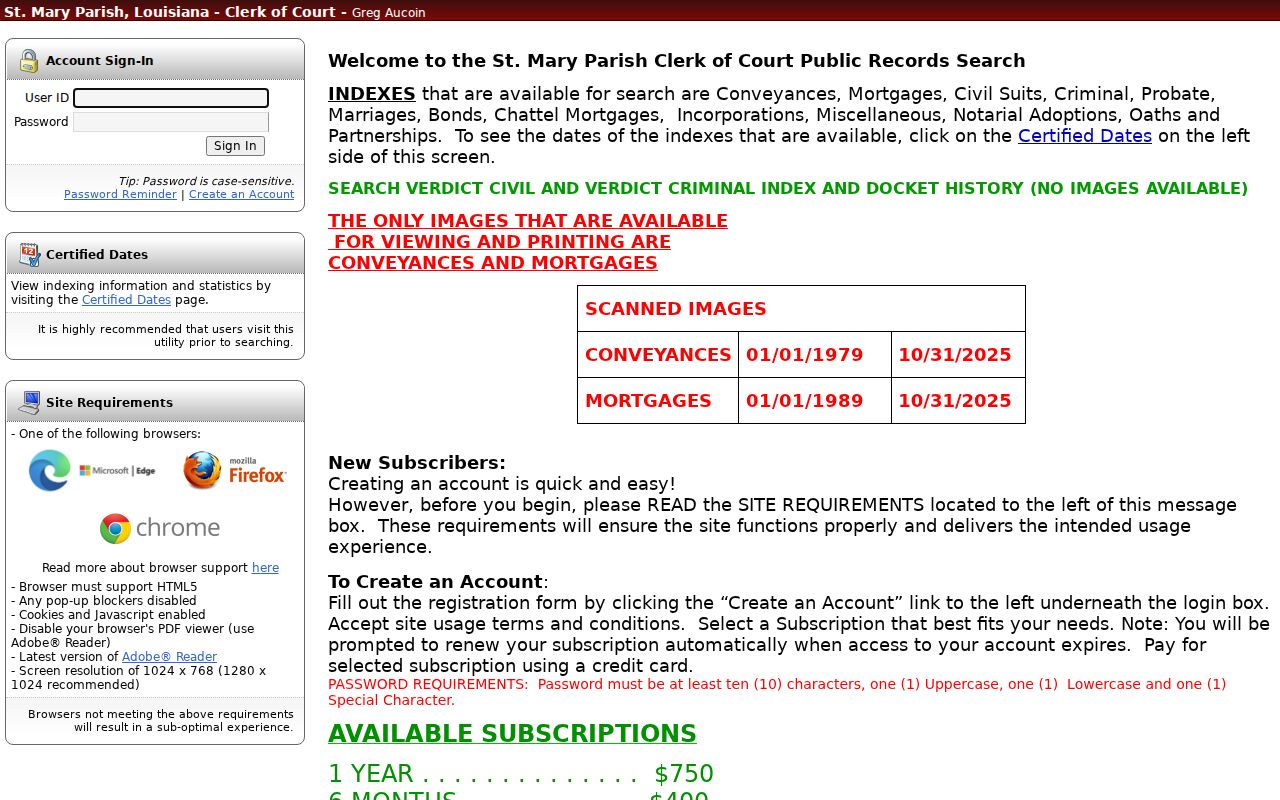
Access carries a price. The clerk lists set rates. One day costs $20, 30 days cost $125, six months run $400, and one year runs $750. Printing runs $2 per page, and a credit-card surcharge applies. Ask the office to confirm current rates before you buy. One caution: a subscription opens the online index. It is not an official or certified St. Mary Parish court record.
How to Search by Case Number
Type the identifier exactly as it appears on your paperwork. That means the citation, the summons, a pleading, a minute entry, or any notice the clerk has sent you. Keep the punctuation, the prefix, and any division marker just as written. A prefix that puzzles you is a question for the St. Mary Parish Clerk of Court, not a guess. Convert nothing into a format you assume is correct. Why does exactness matter so much? An exact case number pulls one file. It avoids a pile of near matches from people with similar names. It also speeds up work at the counter. That helps whether you need a document, a certified copy, or an older file pulled from storage. If your search comes back empty, consider the reasons. The number may belong to a city-court citation or a mayor's court matter. It may be a record not yet released, or a restricted file. And remember the limit. A docket number alone cannot tell you whether the newest online entry reflects the current court setting.
St. Mary Parish Case Number Search Limits
The parish publishes no glossary of docket codes, so treat generic labels like CONT, DISP, or DWOP with care. None is a confirmed St. Mary code. Instead, read the plain wording around the entry itself. A continuance or reset tells you a setting moved. A disposition tells you an outcome was recorded. Neither one gives you the actual order or the full result. When a code, prefix, or division marker needs an official explanation, the clerk's office is where to get it.
The Louisiana Clerks of Court Association listing for St. Mary shows the parish clerk and the official contact route. It cannot make other courts' records into parish records.
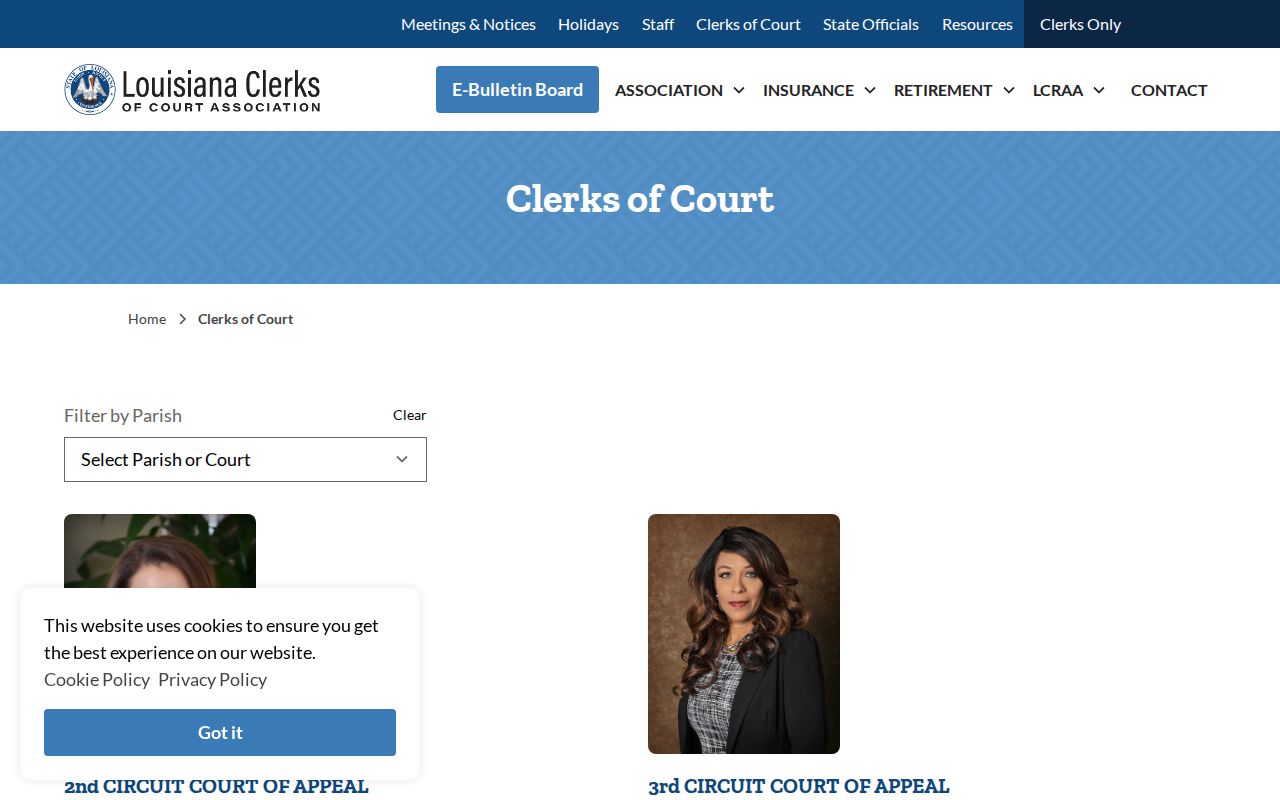
Custodian note: the listing points you to the St. Mary Parish Clerk of Court for district-court records, while city and mayor's courts keep their own case files as separate custodians.
What a Case Search Shows
A case search result that has been released gives you index material and a docket history. That is not the whole court file. Expect the basics. You get the court or venue, the case number, a filing date or year, the case type, and the division or section. The caption, party roles, and a chronological history of filings, motions, orders, hearings, trials, judgments, resets, and appeals round it out. The logged-out ESearch view does not display every field or a fixed layout. One more caution. The history can lag behind what actually happened in court.
| Case Number | The clerk-assigned identifier used to locate the matter; its public St. Mary format has not been published. |
|---|---|
| Style or Parties | The caption and party roles that help distinguish one matter from another, subject to restrictions or redactions. |
| Case Type and Venue | The civil, criminal, probate, family, or other category and the court responsible for the history. |
| Dates and History | Released filing, proceeding, and action entries. A later entry may replace an older setting. |
| Status or Disposition | A recorded action such as a dismissal, judgment, plea, or other outcome where indexed; request the official document for proof. |
For criminal cases filed on or after January 1, 2020, La. R.S. 13:5992 requires electronic access to minute entries or summaries. Some exceptions apply. The statute does not require document images. Expect text, not page scans.
St. Mary Parish Case Search Images
Here is the key limit to remember. St. Mary ESearch shows no images of civil or criminal pleadings. A docket-history line may name a filing, hearing, order, judgment, or other event. But the signed document behind that line stays hidden. Sometimes the wording, a signature, an attachment, or a certification matters. Then ask the legal custodian for the document, a plain copy, or a certified copy. Treat an online result as research material only, not the official public record.
The clerk also connects to eClerksLA. That portal mainly serves conveyance and mortgage images and other participating parish land-record functions. It does not stand in for St. Mary civil or criminal docket images.
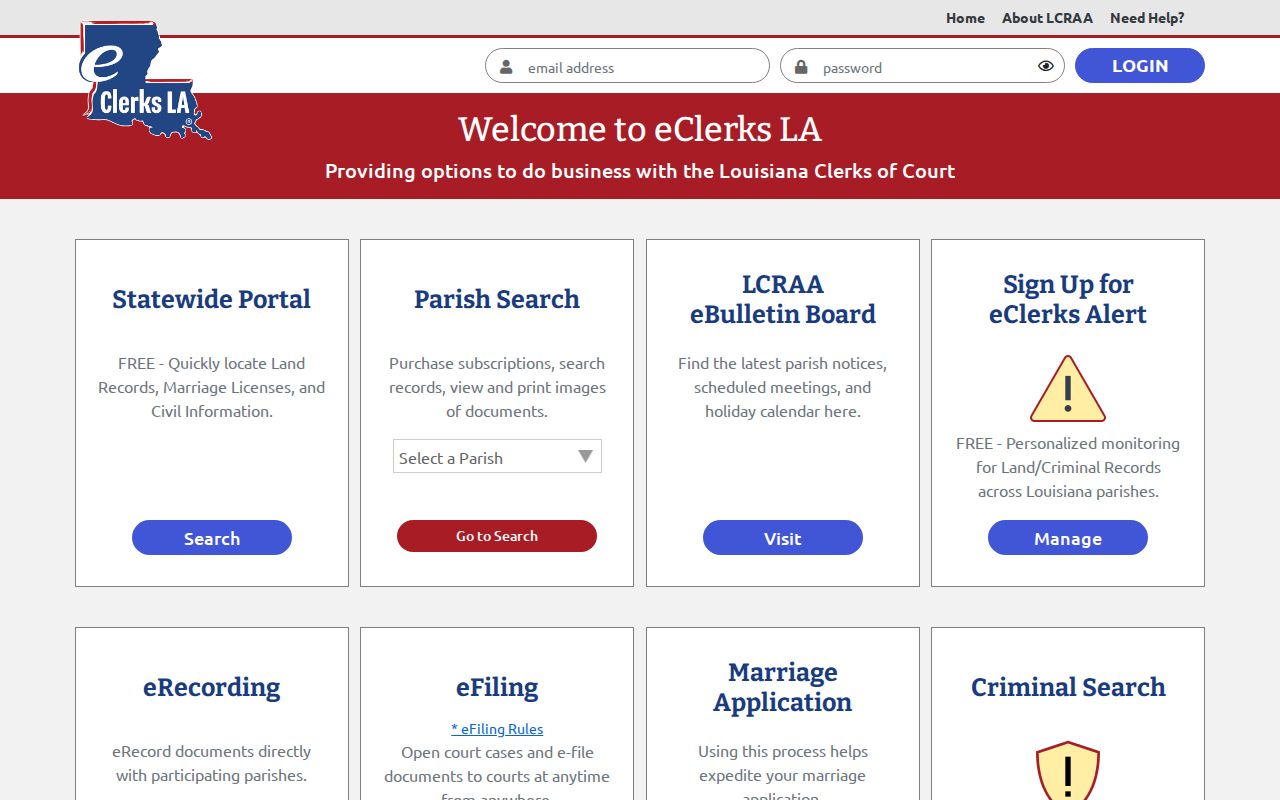
The two systems have different jobs. A land-record image route is not the same source as the parish court docket history. Do not treat them as one. CottFile fits that pattern too. It is effective for St. Mary civil and criminal e-filing on July 16, 2026. It receives filings; it does not certify copies for the public.
County vs Statewide Case Search
Start local. Use the ESearch route first for a known St. Mary Parish district case. The clerk points to it for civil, probate, and criminal verdict indexes plus docket history. For a wider net, look to the Louisiana Clerks' Remote Access Authority, or LCRAA. It provides statewide remote-access infrastructure for participating clerks. That infrastructure alone proves nothing about a particular field. It does not show whether a St. Mary civil or criminal field is live in a statewide view. Check the participating portal's current coverage before relying on it as an alternate court search.
| LCRAA or eClerksLA Route | St. Mary ESearch Route |
|---|---|
| Statewide remote-access infrastructure for participating parish-clerk records. | Local clerk-described index and docket-history route for civil, probate, and criminal records. |
| St. Mary civil or criminal live fields were not confirmed in the inspected statewide interfaces. | Requires account access; logged-out view showed sign-in controls rather than the underlying search fields. |
| Useful to check current participating-clerk access and related statewide information. | Best starting point for a known St. Mary Parish district case, followed by the clerk for official records. |
St. Mary Parish Statewide Case Search
LCRAA's official overview explains the authority's role in building electronic access to participating clerk records. The Legislature created it in 2014. The overview gives useful background on statewide infrastructure. Still, it cannot replace the local clerk's own description of what the St. Mary Parish case search actually displays.
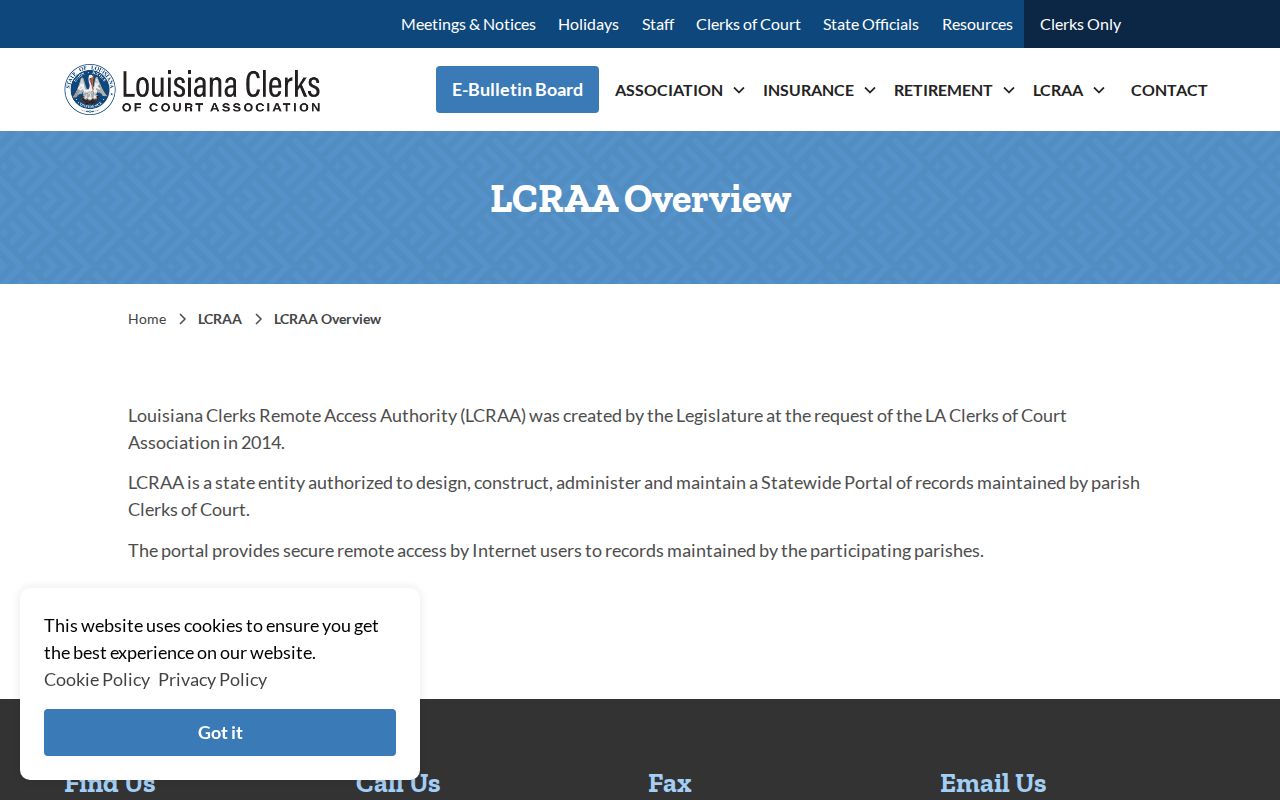
LCRAA's public-portal history records a statewide portal debut on November 9, 2015, and that history lays out how the portal came together.
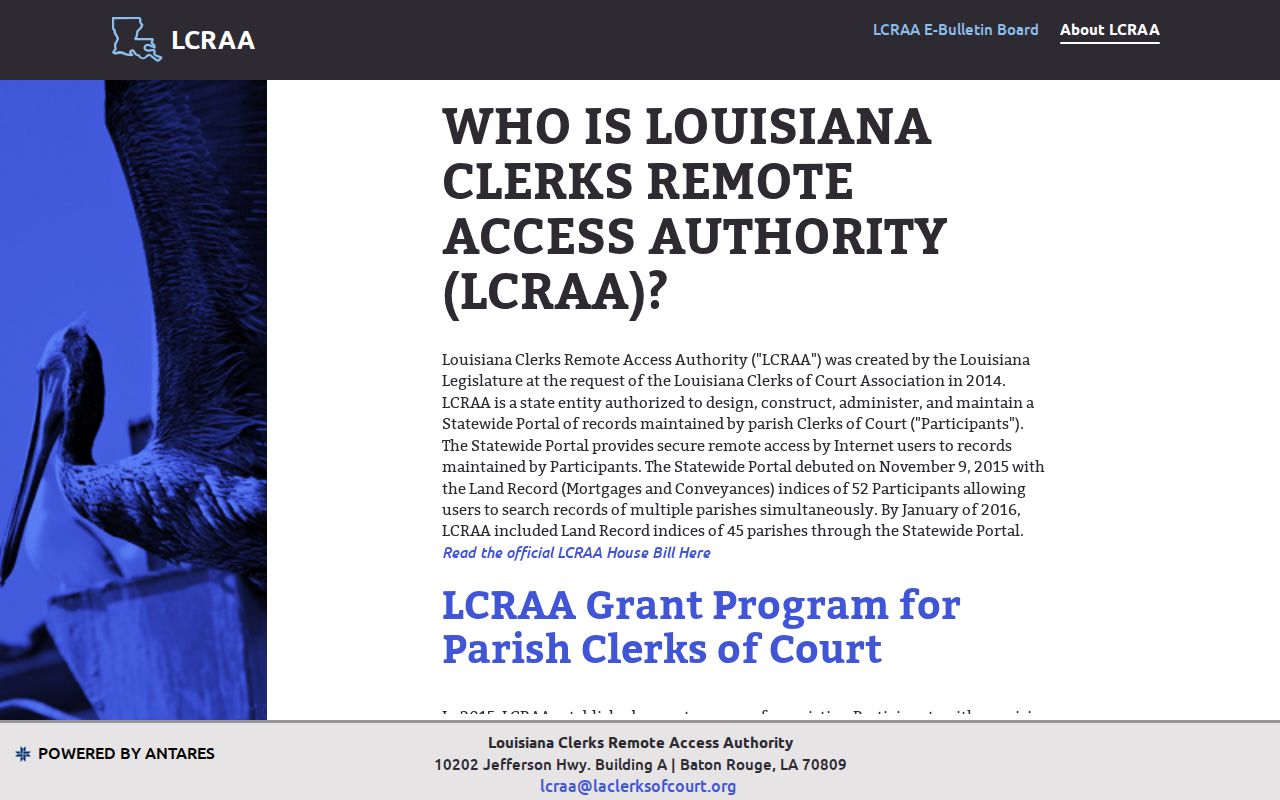
That history explains the statewide layer. It does not prove a given St. Mary Parish civil or criminal case, record field, or image is available there now. Confirm access with the portal and the originating clerk.
Restricted Cases and Access Rules
Not every case shows up in a public St. Mary Parish case search. Adult district civil and criminal records may display released index or history information. Sealed documents and personal identifiers can be withheld. Juvenile proceedings and records are confidential under Louisiana Children's Code art. 412. An expunged arrest or conviction record is confidential. It is no longer public under La. C.Cr.P. art. 973, subject to that statute's listed exceptions.
A missing result has other explanations too. The official number may not be fully indexed or released yet. Or the case may belong to another court. It could be Morgan City, Franklin Third Ward, Baldwin, Berwick, or Patterson rather than the parish district court. Never try to work around a restriction. Ask the clerk. The issue may be pending indexing, a sealed record, juvenile confidentiality, expungement, or a different court. Louisiana Public Records Law governs inspection and copies within those limits. So does La. C.C.P. art. 251.
St. Mary Parish Case Search Fallbacks
When ESearch comes up empty, go from the online index to the custodian. The same applies if you need an image. The St. Mary Parish Clerk of Court takes in-person requests at the second-floor counter. The counter sits at 500 Main Street in Franklin. Listed hours are 8:30 a.m. to 4:30 p.m. Call (337) 828-4100 and ask for the civil, minute, or recording department. Mail works too: P.O. Drawer 1231, Franklin, LA 70538. In any request, state the court, the caption or exact number, the document or date you want, plain or certified copy, delivery preference, and a return contact. Ask for a fee estimate too.
The clerk's official contact page and its department links suit a web or email inquiry. But a general contact form is not a published formal records-request form. A city case belongs with the city court. Morgan City has no public case-search form. Call (985) 384-2718 or send a written request. Franklin Third Ward City Court can be reached at (337) 828-3858. For Baldwin, Berwick, or Patterson, use the court or town contact printed on the citation. And remember, the parish ESearch cannot prove that a separate city record does not exist.
Note: an official certified copy comes from the legal custodian. It does not come from a subscription index, an e-filing platform, or an unverified search result.